

Developer update April 2026
Starting up
And we’re live - honestly, it’s a little surreal. Welcome to SessionPick, and thank you for being here. After many long months of development, I’m finally showing you what I’ve been building: my baby of a website, and I’m incredibly proud of it. I hope you find it useful as a place to track, discover, and talk about games in terms of your time, not just someone else’s idea of “how long is this game?”
This site is going to keep growing with what you need, so if something’s missing or almost right, please say so - the feature requests and roadmap are there so your voice shapes what ships next.
This post is longer on purpose. I want to walk through a batch of things I’ve added recently - work that didn’t make it into the very first launch window but is ready for you now: security, library tooling, play history, community reviews, and the little touches that make the product feel like home.
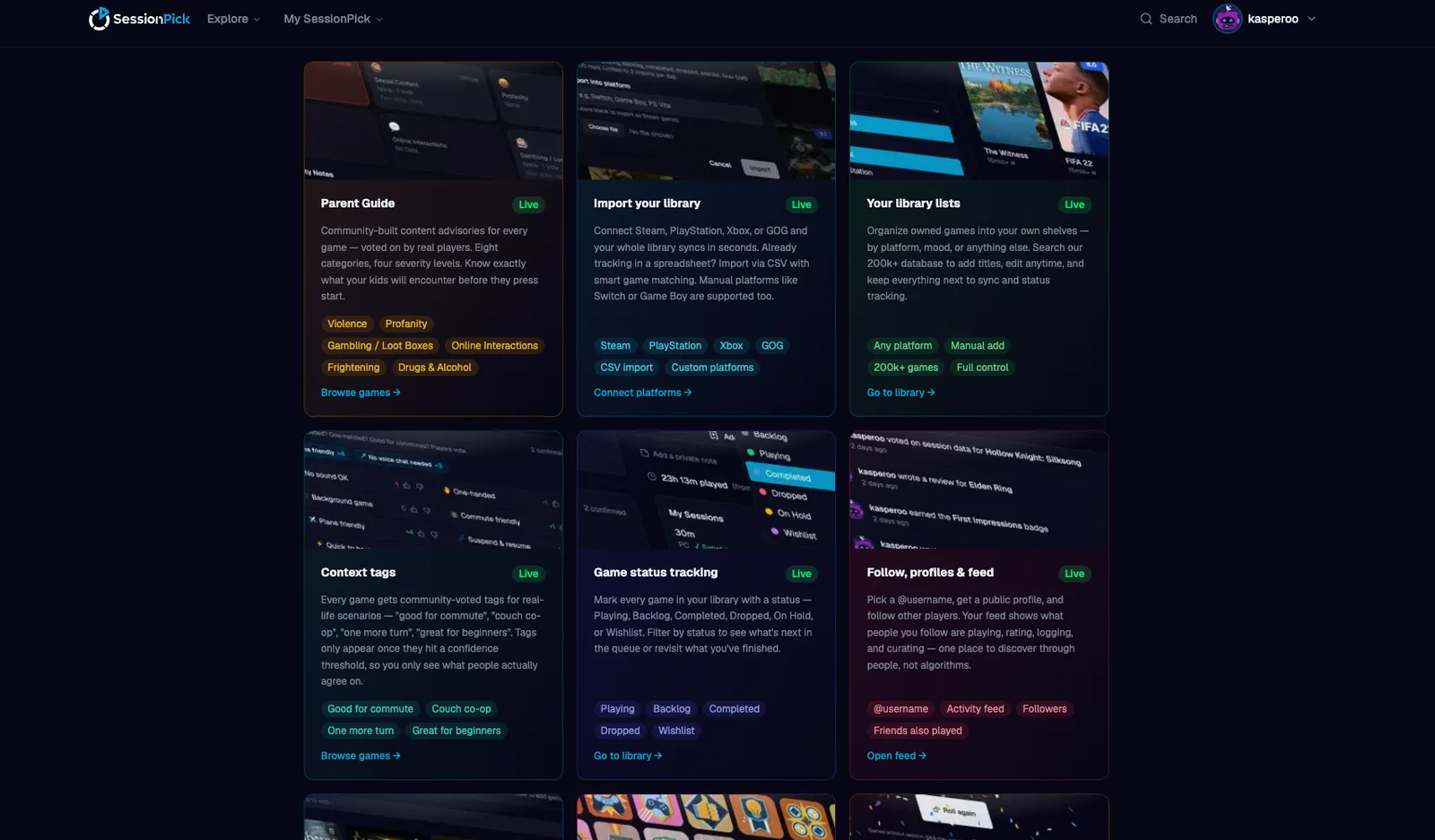
SessionPick is a session-first game library and discovery tool: we care how a title fits a real evening, not just how long the campaign is. Below is a straight rundown of those recent additions and what they’re for.
Security: two-factor authentication (TOTP)
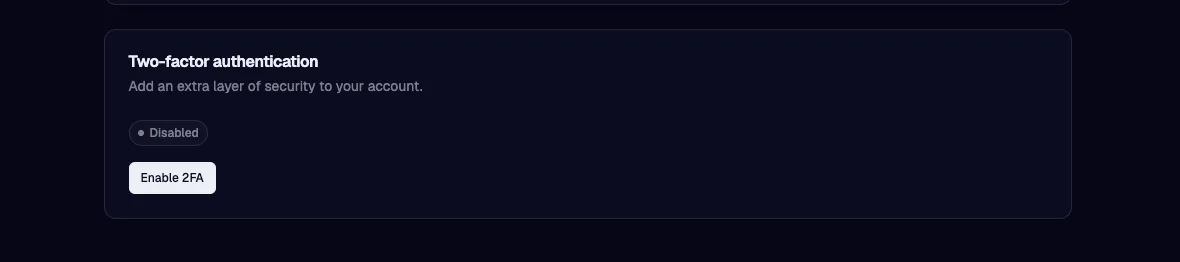
Accounts can now use time-based one-time passwords with a standard authenticator app (Google Authenticator, Authy, 1Password, etc.). Setup lives under Account → Security: QR setup, backup codes for recovery, and trusted devices so you’re not re-prompted on every login from a machine you’ve already verified.
Library: more ways to see it, fix it, and roll the dice
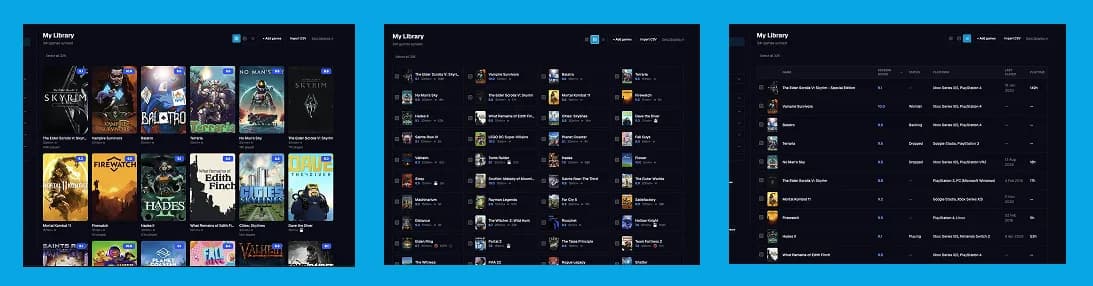
Three view modes on your library - Grid (classic covers), Compact (dense rows with cover + key meta), and List (sortable table). Your default is saved on your profile so it follows you across sessions and devices.
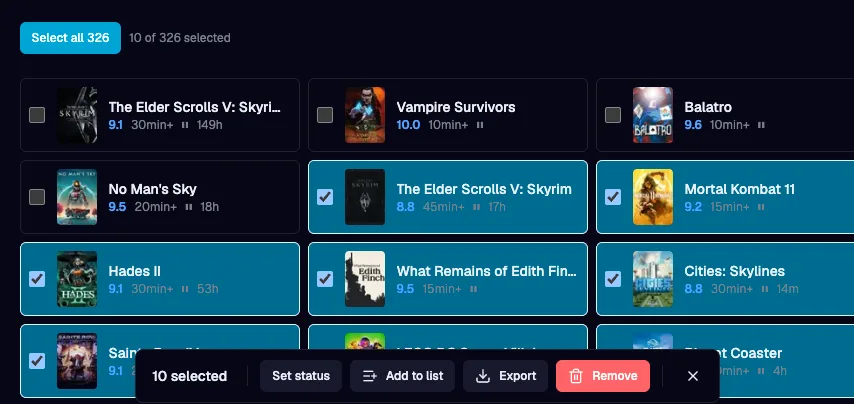
Bulk editor - Multi-select with shift-click ranges, then a floating action bar: set status for many games at once, add a batch to a list, export a selection via the existing export flow, or remove with confirmation. Handy right after a big Steam sync when you want thirty imports flipped to Backlog in one gesture.
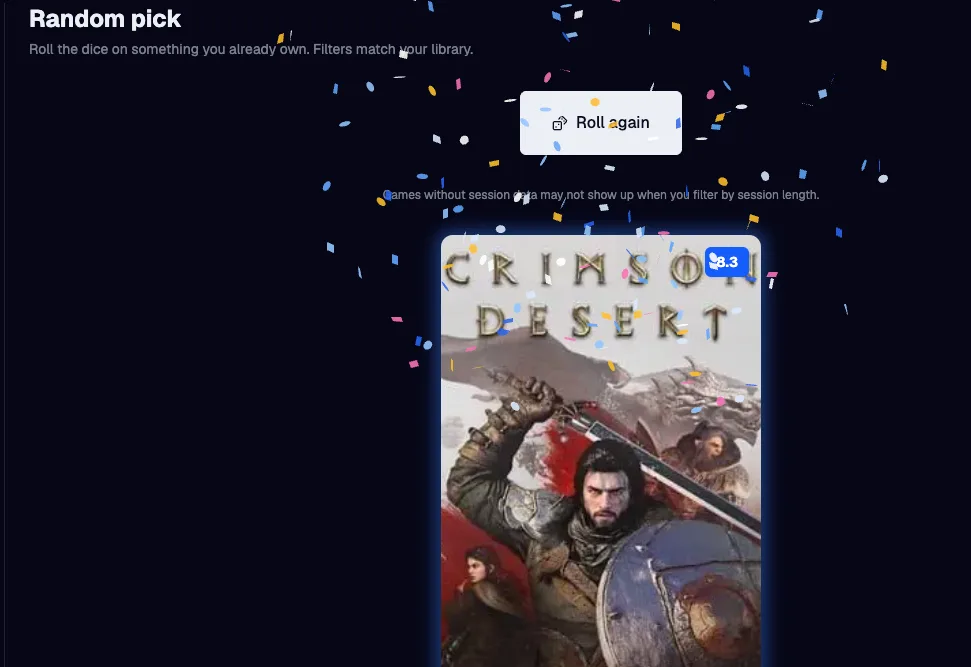
Random pick - In your library, there's now a link to 'Random pick' - this feature picks a random owned game under the same filter model as the main library. Constraints, hidden games, the works - it’s the lightweight answer to “what should I play?” before I build anything heavier.
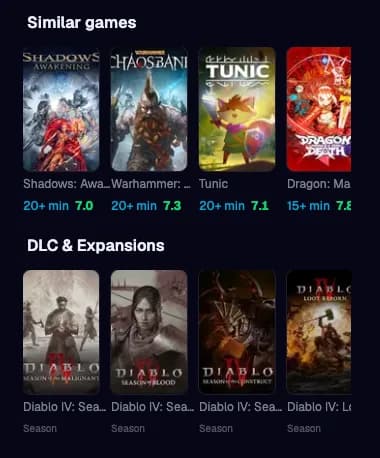
DLC and game type - On game page you can differentiate base games vs DLC, demos, remasters, etc. Library and discovery can treat them differently so counts and recommendations stay honest. Game pages link parent titles and surface DLC & related editions where it helps.
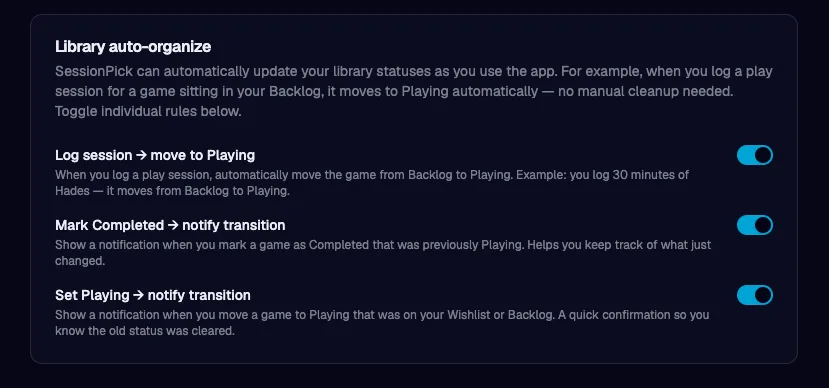
Auto log organising - Optional status rules (under Account → Library): for example, logging a session can move a game from Backlog to Playing when you want that without clicking the shelf twice. My Sessions on each game page lists your logs with refresh after you add one.
Play history: recap, journal, and smarter sorting
Gaming Recap (year wrapped) - This is a full year-in-review experience: hours, most-played, genres, session shapes, contribution stats, and a session personality label. You will be able to share a recap with a public slug and social-friendly image. Headline time is driven by SessionPick session logs for that year, so the story matches what you actually logged here. It will open in December/January, so if you start logging sessions now, you might get a nice surprise at the end of the year :)
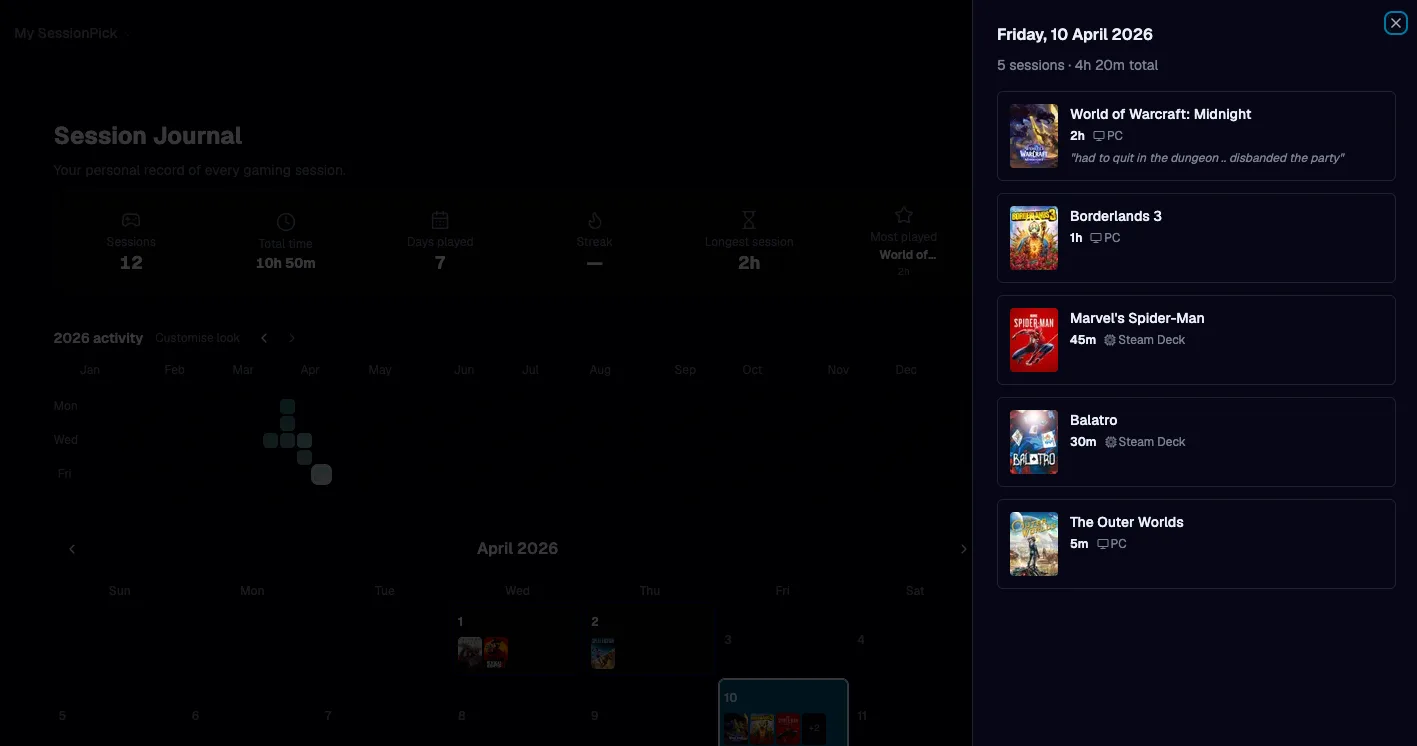
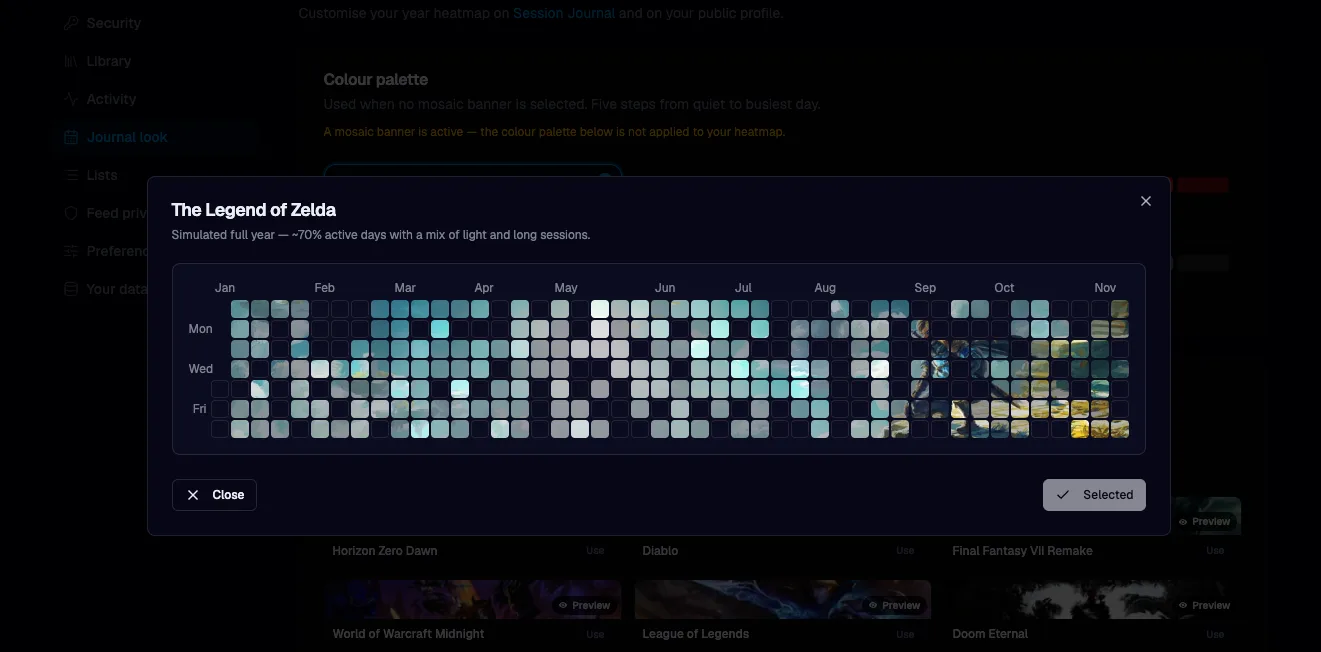
Session Journal - I'm a developer and I have an unhealthy habit of looking at github activity graphs .. this feature adds a year heatmap (session density at a glance), a month calendar with cover stacks per day, and a day panel listing every log for the day you pick. A summary bar tracks sessions, time, distinct days, streak, longest session, and standout title. Journal is in the main nav. The same heatmap appears read-only on public profiles when session visibility allows it.
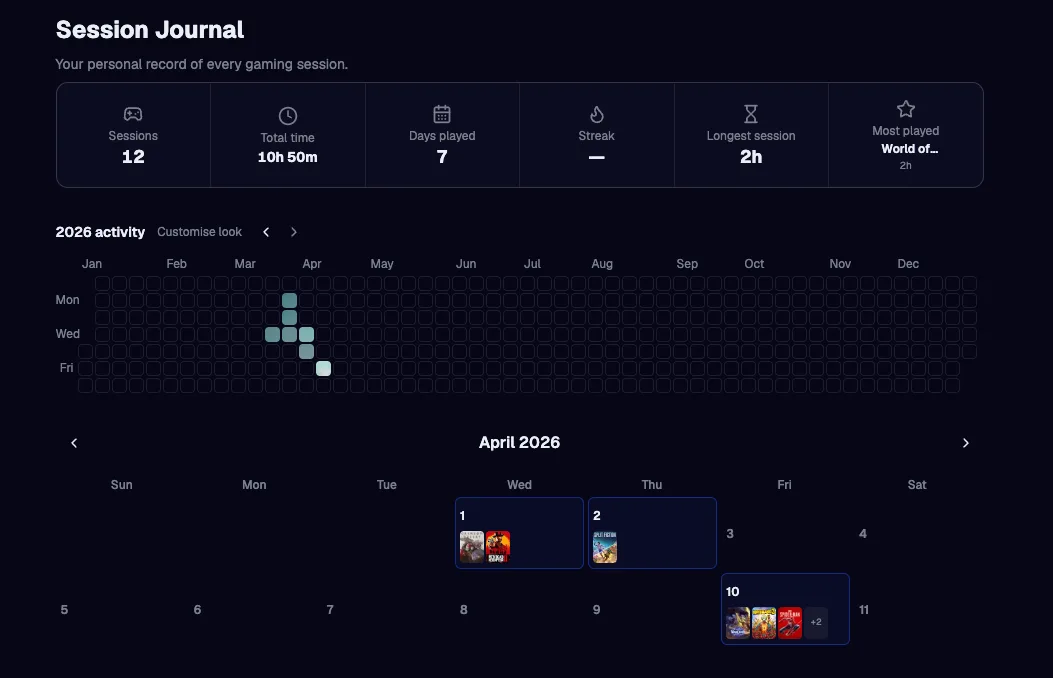
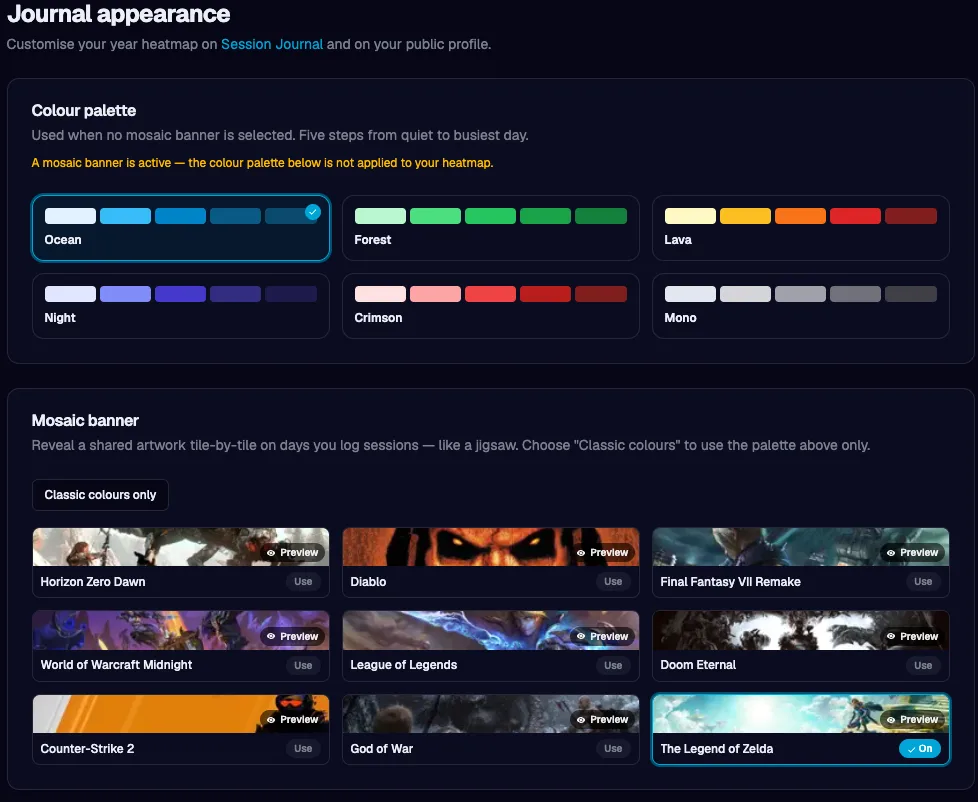
Journal mosaic banners - Under Account → Journal, you can pick a curated mosaic for your heatmap: a full-width artwork sits behind the grid, and busier days “burn through” the mask so more of the image shows where you actually played. Prefer a classic look? Clear the mosaic and choose a five-step colour palette for the cells instead (only one applies at a time). Mosaics are admin-curated (uploads live in dedicated storage, with labels and optional attribution / catalogue links), so the set stays coherent and on-brand.
Library sorts tied to real play - Besides last played / most played, you can sort by first played (earliest logged session per game) and total days played (distinct calendar days with at least one log). Those aggregates load only when you choose those sorts, so other sorts stay cheap.
Community: reviews through the session lens
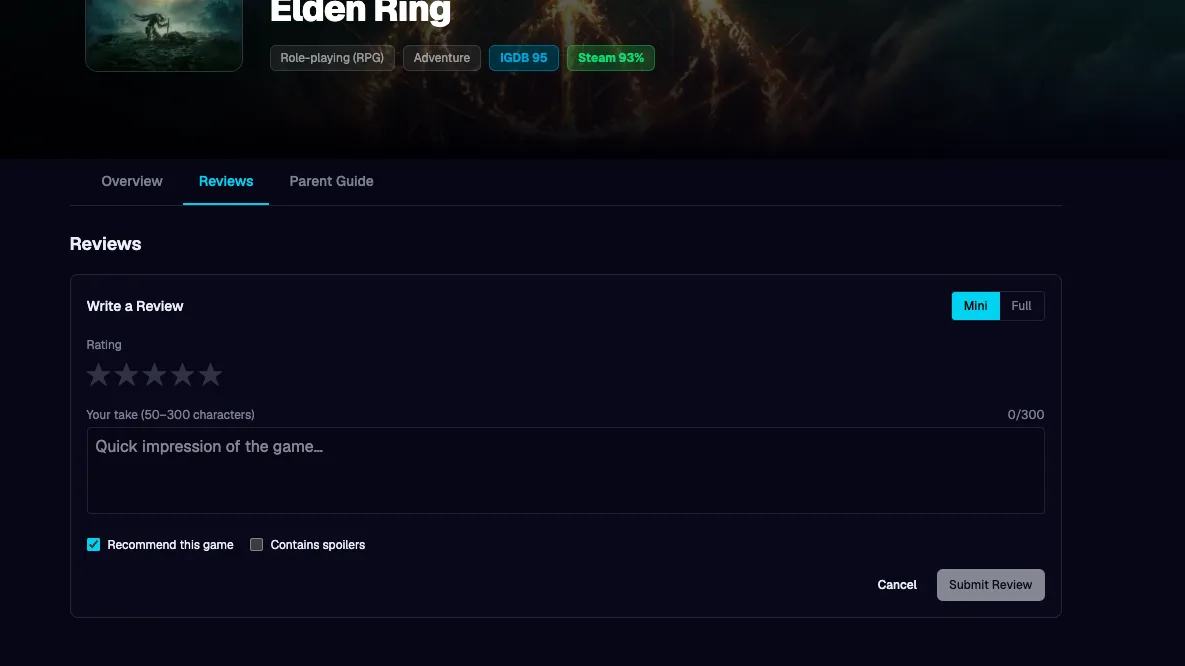
There are now mini and full reviews on game pages: short mini reviews (50–300 characters) and longer full reviews with pros/cons, stars, recommended toggle, and spoiler flag. One review per user per game with. Voting, flagging, and an admin moderation queue keep quality manageable. New badges reward showing up as a reviewer; I'm really a bad writer, so while I might write a review or two from time to time, I'm hoping much better writers show up here and create some quality stuff!
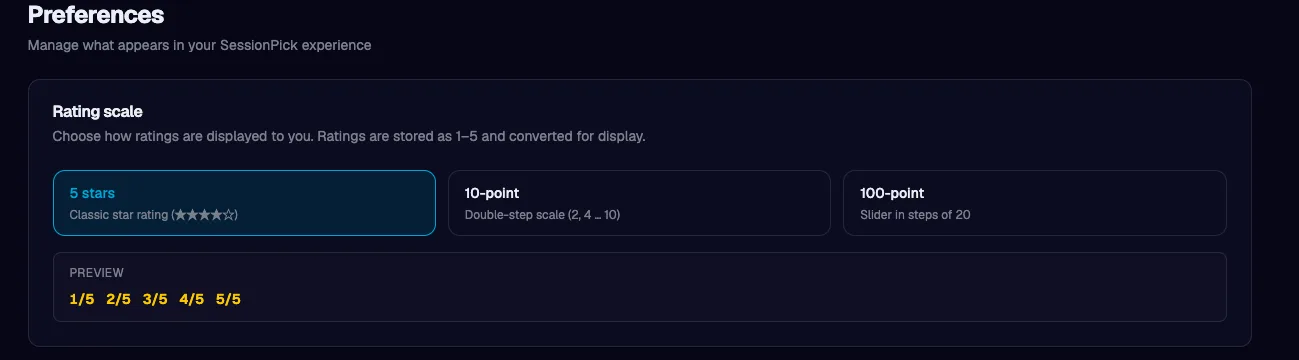
Ah and also, if you don't like the 1..5 star ratings .. you can also change them to display differently - rating scale can be adjusted in Account -> Preferences.
Identity and account structure
Username-first registration - New email signups pick a username up front with live availability. OAuth users get a temporary handle until they claim a permanent one. Username changes are allowed once per year with clear cooldown messaging.
Account area - Settings are split into sections (profile, library/sync/rules, lists, feed privacy, preferences, data & danger zone) instead of one endless scroll, on both desktop and mobile.
Content and marketing
Blog - Long-form posts on SessionPick with a rich editor, categories, comments, RSS - good for updates like this one and for SEO.
Homepage feature art - I’ve been refreshing how we show major capabilities (including session journal, deeper library tooling, and richer profiles) so the marketing story matches the product.
Finally...
If you use SessionPick as a logbook, a library, and a place to discover session-friendly games, this sprint was mostly about depth: lock the account down, curate faster, see your year at a glance, style the heatmap the way you like it, share a recap, and read honest reviews that still care about time, not just scores.
The roadmap and feature requests are the best place to steer what I build next - if something almost fits your workflow but needs a tweak, I’m listening.
Thank you for reading, and for giving SessionPick a try.
More from Development
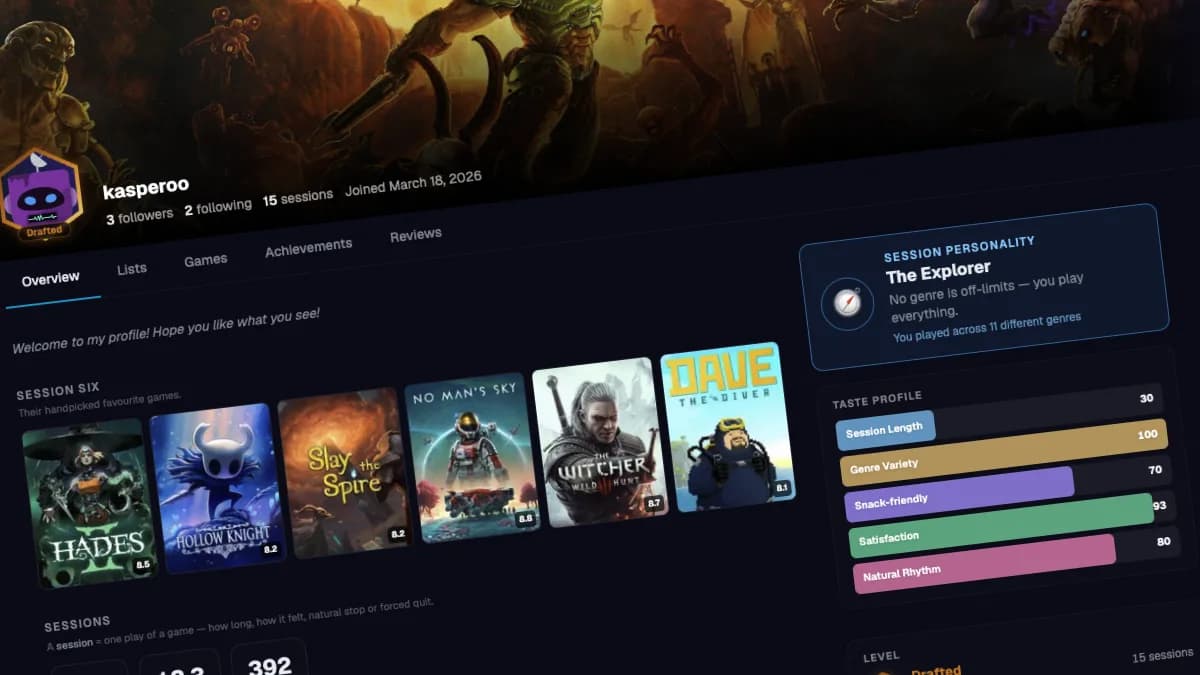
Your profile page just got a serious upgrade
SessionPick profiles got a full redesign - hero banners, level frames, session personality, taste charts, and a feed worth reading. See what's new.

Find a game's soundtrack and art books without leaving the page
Browse any game on SessionPick and find its official soundtrack and art books alongside session scores, tips, and your personal game library.