
What can you
actually play
right now?
Games that work around your life — not the other way around. We filter thousands of games by their - so you find something that fits the 30 minutes you actually have.

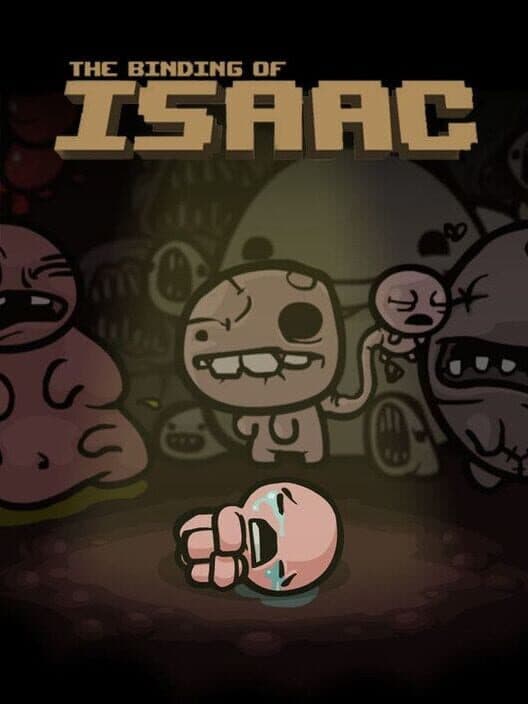
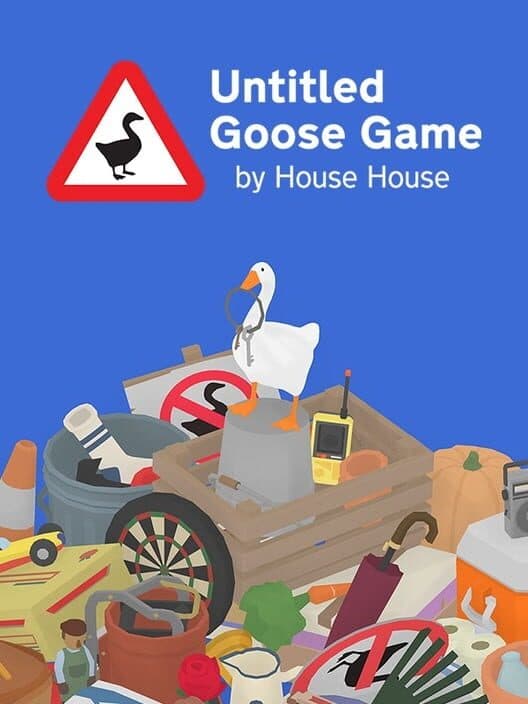

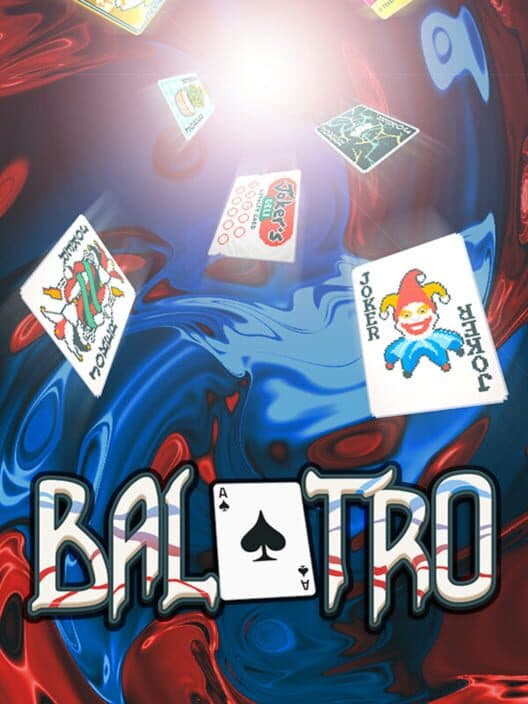

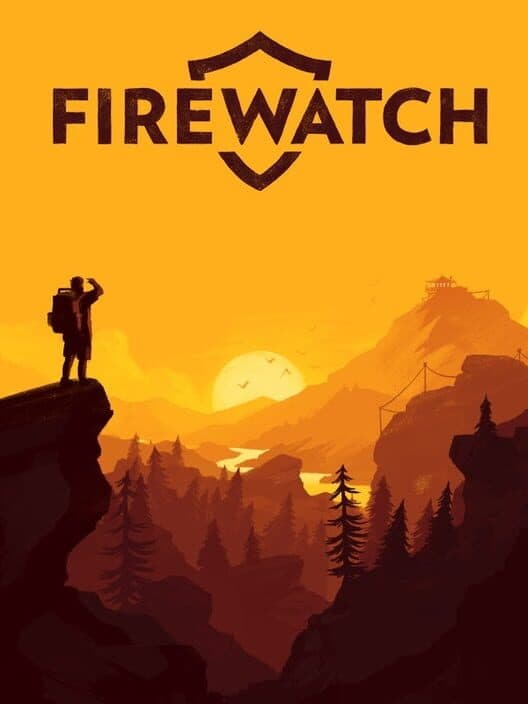








Get personalised picks
Add games to your library — from Steam, PlayStation, Xbox, GOG, or manually — and we'll find games that match your taste, filtered by session length, pausability, and more.
Session Respect Score
One number that tells you everything
HowLongToBeat says Nightreign takes 30 hours. We say a satisfying session takes 45 minutes. A 3/10 isn't a bad game — it's a game that demands your full evening.
Read the methodology →Browse by
Everything you can use today
Import your library, get a pick that fits tonight, and keep a journal of every session — plus 12 more features when you want to go deeper.

Import your library
LiveConnect Steam, PlayStation, Xbox, or GOG and your whole library syncs in seconds. Already tracking in a spreadsheet? Import via CSV with smart game matching. Manual platforms like Switch or Game Boy are supported too.

Library randomiser
LiveCan't decide what to play? Roll a random pick from your library. All your active filters carry over — platform, session length, status, genre — so you always get something that actually fits tonight.

Context tags
LiveEvery game gets community-voted tags for real-life scenarios — "good for commute", "couch co-op", "one more turn", "great for beginners". Tags only appear once they hit a confidence threshold, so you only see what people actually agree on.

Session journal
LiveA visual history of every gaming session. Year heatmap shows activity at a glance — click any day to see what you played and for how long. Monthly calendar stacks game covers on each day. Includes total sessions, hours, streaks, and your most-played game.

Game status tracking
LiveMark every game in your library with a status — Playing, Backlog, Completed, Dropped, On Hold, or Wishlist. Filter by status to see what's next in the queue or revisit what you've finished.

Release calendar
LiveUpcoming games sorted by release date with your wishlist highlighted at the top. Filter by platform and genre, and never miss a launch that actually fits your session length.
Show all 18 featuresShow fewer features

Parent Guide
LiveCommunity-built content advisories for every game — voted on by real players. Eight categories, four severity levels. Know exactly what your kids will encounter before they press start.

Your library lists
LiveOrganize owned games into your own shelves — by platform, mood, or anything else. Search our 200k+ database to add titles, edit anytime, and keep everything next to sync and status tracking.

Follow, profiles & feed
LivePick a @username, get a public profile, and follow other players. Your feed shows what people you follow are playing, rating, logging, and curating — one place to discover through people, not algorithms.

Shareable community lists
LiveCreate themed game lists with a description, choose public, private, or followers-only, and add games with live search. Others browse the Community tab on Lists; owners reorder by drag-and-drop.

Badges & leaderboard
LiveEarn badges as you log sessions, vote, tip, follow, and build lists — dozens of milestones from first session to deep habits. Compare badge counts on a global leaderboard and show them off on your profile.
Game reviews
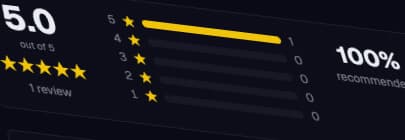
LiveWrite a quick mini review (50–300 chars) or a full critique with pros, cons, and a spoiler flag. Star rating, recommended toggle, up/down voting. All reviews go through community moderation before going live.

Private notes
LiveAttach a private note to any game in your library — visible only to you. Perfect for reminders like "left off at Chapter 3" or "play on PC, not Switch — bad load times on handheld".

Platform-specific notes
LiveCommunity-voted quirks per platform — load times, missing features, frame rate issues, handheld vs docked differences. Know the best way to play before you download.

Franchises & series
LiveBrowse entire franchises in one place — every entry in order, with session scores and your completion progress. "Which Final Fantasy respects my time the most?" — answered.

Advanced library
LiveSwitch between grid, list, and compact views — your preference is saved across devices. Multi-select games with shift-click and act on the whole batch: set status, add to a list, export, or remove. Two new sort keys: first played and total days played.

Richer profiles
LiveHover any @username to get an instant profile card without leaving the page. Choose your rating scale — 5-star, 10-point, or 100-point — and ratings convert automatically for every viewer. Control visibility per section: library, sessions, lists, and achievements each have their own public/followers/off toggle.

Friend recommendations
LiveRecommend any game to a friend with an optional personal note. Compare your libraries side-by-side to find games you both own or discover what they have that you don't. In-app notifications keep you in the loop when someone recommends a game or follows you.
On the roadmap
Coming next
What we're building — vote on what matters most to you.
Wishlist & Price Alerts
Save games you want to play and get notified when they drop in price on Steam, PlayStation, or GOG.
Community Events
Time-limited themed challenges — "Short Session September", "Backlog Blitz", "Genre Roulette". Log sessions that count toward a shared leaderboard and earn exclusive event badges.
Game Night Planner
Everyone adds their library, everyone picks a session length. We find the game you all own and can finish together — no arguing, no endless browsing.
About SessionPick
- Can I really find good games for a 20-minute session?
- Yes. Filter by "under 30 min" on the search page and sort by Session Score — these are games where a 20-minute window leaves you satisfied, not frustrated mid-level. Many of the highest-rated titles are specifically designed around short, self-contained runs or chapters.
- What's the difference between session length and total playtime?
- HowLongToBeat tells you a game takes 40 hours to finish. SessionPick tells you the shortest session where you actually make progress and feel good stopping. A 40-hour RPG could be great in 30-minute chunks — or torture if it has no save points for an hour. Total playtime doesn't tell you that.
- I have Game Pass or PS Plus — where do I even start?
- Sync your library, set your available time, and sort by Session Score. You instantly see which of your subscribed games actually work for the time you have tonight — no more staring at a catalogue of hundreds and playing nothing.
- Can I track games across Steam, PlayStation, Xbox, and GOG?
- Yes — connect any combination of Steam, PlayStation, GOG, and Xbox to see your entire library in one place. Every game you own gets a Session Score so you can filter your actual library by how much time you have right now.
- How is Session Respect Score calculated?
- It combines three signals: minimum session length (how long before you've made real progress), pausability (can you stop without losing anything?), and FOMO score (will the game punish you for taking a week off?). Community ratings and verified data are blended to produce the final score.
- What is FOMO score?
- It measures how much a game penalises you for not playing. Live service events, daily rewards that expire, seasonal content — these are high-FOMO. A single-player game you can pause for a month and return to is low-FOMO.
- Is this for people who are bad at games?
- No. Session length is about respect for your schedule, not skill. Many of the highest-scored games are genuinely hard — they just have save states, short loops, or natural stopping points. Difficulty and session-friendliness are completely separate.
- What does 'pausable' mean, exactly?
- A pausable game lets you stop mid-session without losing progress or being punished. That means: save-anywhere or frequent auto-saves, no cooldowns or daily streaks, and no online sessions you'd abandon. We score this across three levels: low, medium, and high.